How to Get Internet Off the Grid (Every Option Explained)
How to Get Internet Off the Grid (Every Option Explained)
You finally did it — land purchased, cabin framed, solar panels on the roof. Then you fire up your laptop and realize the nearest cable line is twelve miles away. Getting internet off the grid is one of the biggest practical hurdles remote homesteaders face, yet most people only discover this problem after they’ve already moved in. There is no single right answer, and the wrong choice can cost you hundreds of dollars and months of frustration.
Without reliable connectivity, working remotely becomes impossible, weather alerts get missed, and even ordering supplies online turns into a guessing game. Plenty of off-gridders end up driving to the library parking lot twice a week just to upload files — not because good options don’t exist, but because they didn’t know what to look for before they signed up for the wrong service.
This guide covers every realistic way to get internet off the grid in 2026: Starlink, cellular hotspots, fixed wireless, WISPs, and legacy satellite. You’ll get real costs, honest speed and latency numbers, how much solar power each option needs, and a side-by-side comparison table so you can pick what fits your land, your budget, and your data habits.
Quick Answer: What’s the Best Way to Get Internet Off the Grid?
For most remote properties in the US, Starlink is the best overall solution. It works almost anywhere with a clear view of the sky, delivers 50–250 Mbps download speeds, and costs $120/month plus $499 for the hardware. If you already have decent cell signal, a cellular hotspot from T-Mobile or Verizon can cut that bill to $50–80/month. Here’s the fast breakdown:
- Starlink: $120/month, 50–250 Mbps, low latency (~30ms), works nearly everywhere
- Cellular hotspot (T-Mobile/Verizon): $50–80/month, speeds vary wildly by signal
- WISP (local wireless ISP): $40–80/month, good speeds if you’re within range
- Fixed wireless: $50–100/month, requires line-of-sight to a tower within ~10 miles
- Legacy satellite (HughesNet/Viasat): $80–150/month, high latency, limited data — mostly outdated
Option 1: Starlink — The Best Off-Grid Internet in 2026
What It Costs and What You Get
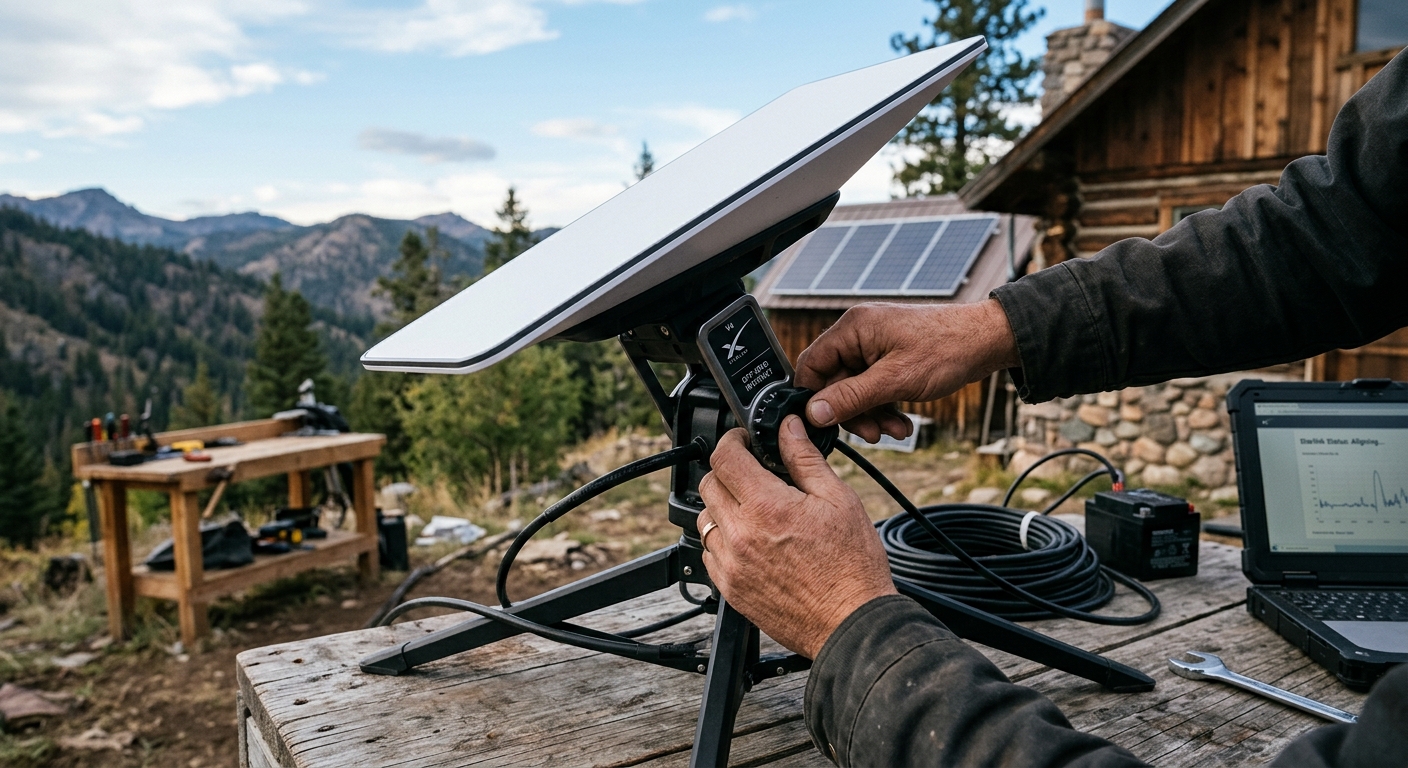
Starlink’s residential plan runs $120 per month with a one-time hardware cost of $499 for the dish and router. The dish is roughly the size of a large pizza box and sets up in under an hour. Download speeds in rural US areas typically land between 50 and 250 Mbps, with upload speeds around 10–20 Mbps and latency under 40 milliseconds. For video calls, remote work, and streaming, that’s entirely usable.
Starlink also offers a Portability mode (sometimes called « roam » or « best effort ») that lets you move the dish to a new location. If you split time between properties or travel seasonally, you can pause service in off months and only pay when you’re actively using it. That flexibility alone makes it stand apart from every legacy satellite provider.
Power Draw: What Your Solar System Needs
The Starlink dish draws between 50 and 100 watts depending on the model and conditions — the Gen 3 rectangular dish averages around 65W during normal use, spiking higher in cold weather when it defrosts. Over a typical 10-hour day of use, that’s roughly 650 watt-hours consumed.
A practical solar setup to run Starlink off-grid looks like this: at minimum, you want 200W of solar panels dedicated to the dish (more in cloudy climates) and at least 100Ah of lithium battery storage — ideally 200Ah — so cloudy days don’t kill your connection. Wire the dish into a dedicated 12V circuit through an inverter, or use the newer Starlink DC adapter to run it directly from your battery bank and eliminate inverter losses.
Is Starlink Right for You?
If your property has a clear southern sky exposure and you can mount the dish without obstruction, Starlink is almost certainly your best bet. Use the Starlink app’s obstruction checker before you buy — it scans the sky from your phone camera and shows you if trees or ridgelines will interrupt service. Even a 5% obstruction rate leads to noticeable dropouts during peak hours.
Option 2: Cellular Hotspot — Cheapest If You Have Signal
T-Mobile Home Internet and Verizon LTE/5G
If your property gets a usable LTE or 5G signal, a cellular hotspot is the most cost-effective way to get internet off the grid. T-Mobile Home Internet charges a flat $50/month with no data cap and delivers 25–100+ Mbps where 5G coverage exists. Verizon’s LTE Home Internet runs $60–80/month depending on your plan. Both require decent signal — the magic threshold is at least two consistent bars of LTE, preferably more.
The catch is that cell signal at remote properties is unpredictable. A spot that shows strong signal on your phone in summer may struggle in winter when foliage is different, or may be throttled during peak evening hours. Before committing, buy a prepaid hotspot and test it across multiple days and times of day before porting your number to a home internet plan.
Boosting Weak Cell Signal
A cell signal booster (weBoost, SureCall) mounted on a roof pole can pull in signal from a distant tower and dramatically improve hotspot reliability. A quality booster runs $300–500 but can be the difference between unusable and workable connectivity. Pair a booster with a directional Yagi antenna pointed at the nearest tower for the best result.
Option 3: WISP and Fixed Wireless — The Underdog Option
What Is a WISP?
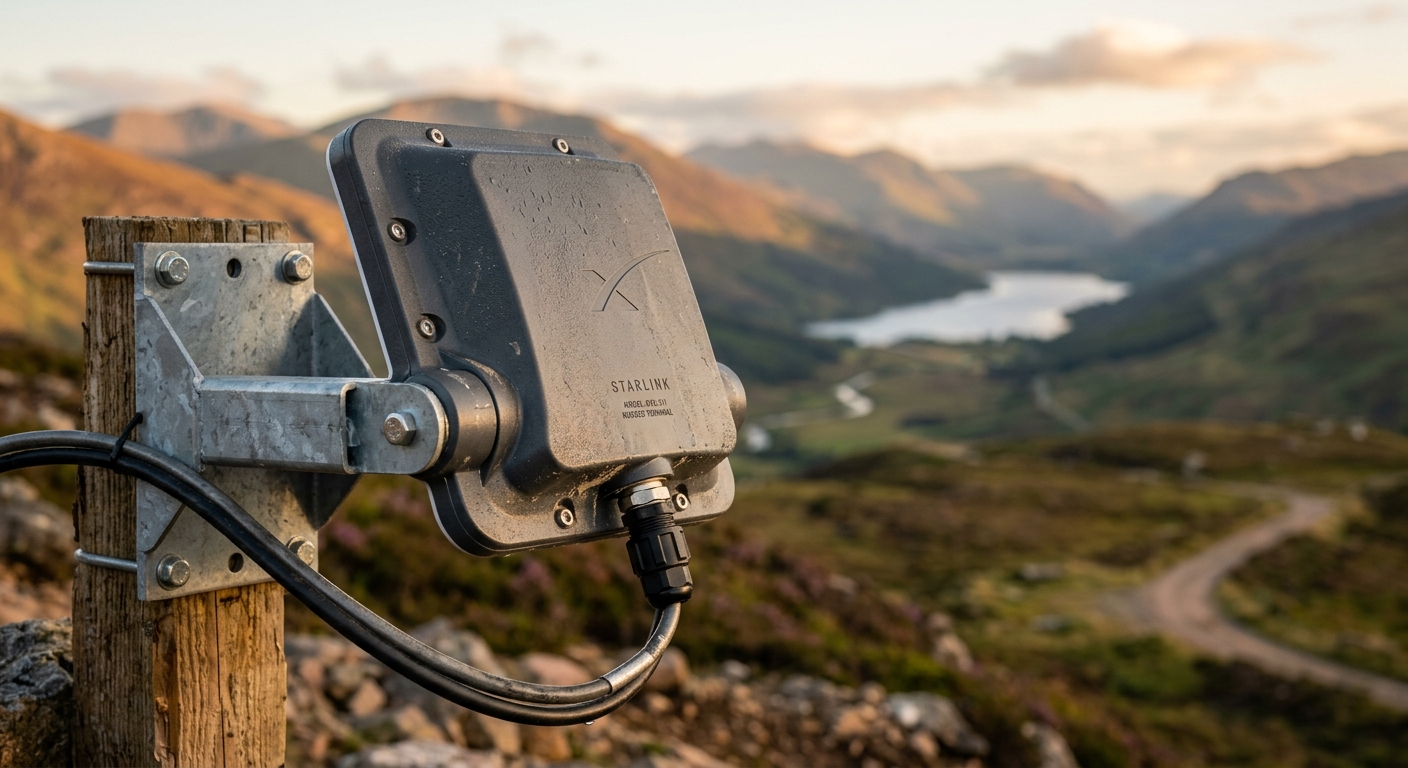
A Wireless Internet Service Provider (WISP) is a local company that broadcasts internet signals from towers, typically using licensed or unlicensed spectrum, and serves rural areas that cable and fiber companies won’t touch. You need a small receiver antenna mounted on your roof or a pole, pointed at one of their towers. Speeds range from 10 Mbps to 100+ Mbps depending on the provider and your distance from the tower.
Pricing is usually $40–80/month, often with no data caps. The limitation is geographic — WISPs are hyper-local businesses, and your county may have a great one or none at all. Search « WISP [your county name] » and check with neighbors or local Facebook farming groups to find out what’s available. Sites like wisp.directory list providers by state.
Fixed Wireless from Larger ISPs
Some larger rural ISPs (like Rise Broadband or local telephone co-ops) offer fixed wireless service if you’re within roughly 10 miles of one of their towers and have line-of-sight. Installation is typically free or low-cost, and speeds of 25–50 Mbps are common. These services can be very stable since you’re essentially locked to a dedicated channel, unlike cellular which competes with every phone in the area.
Option 4: Legacy Satellite — HughesNet and Viasat
HughesNet and Viasat remain available across the US, but in 2026 they’re largely outclassed by Starlink. Both use geostationary satellites orbiting roughly 22,000 miles above Earth, which means unavoidable latency of 600–800 milliseconds — video calls stutter, gaming is impossible, and even loading pages feels sluggish compared to modern alternatives.
HughesNet plans range from $80–150/month with strict data caps of 15–100GB before speeds are throttled to near-unusable levels. Viasat offers slightly better speeds but is similarly expensive and latency-bound. The only scenario where these make sense today is if your property is in a remote Alaskan or offshore location where Starlink coverage hasn’t yet fully matured — and even then, Starlink is rapidly closing those gaps.
Off-Grid Internet Comparison Table
| Option | Monthly Cost | Download Speed | Latency | Power Draw | Data Cap | Best For |
|---|---|---|---|---|---|---|
| Starlink | $120 + $499 hardware | 50–250 Mbps | 20–40ms | 50–100W | None (soft deprioritization) | Remote properties, full-time off-grid work |
| T-Mobile Home Internet | $50 | 25–100+ Mbps | 30–60ms | 10–20W | None | Properties with 4G/5G signal |
| Verizon LTE/5G Home | $60–80 | 25–75 Mbps | 30–60ms | 10–20W | None (some throttling) | Verizon-dominant coverage areas |
| WISP / Fixed Wireless | $40–80 | 10–100 Mbps | 10–30ms | 5–15W (receiver only) | Varies | Rural areas within 10 miles of a tower |
| HughesNet | $80–150 | 25–100 Mbps | 600–800ms | 30–50W | 15–100GB | Last resort, no other option |
| Viasat | $100–150 | 12–100 Mbps | 600–800ms | 30–60W | 40–300GB | Last resort, remote rural areas |
Data Usage Tips for Low-Bandwidth Off-Grid Setups
Cut Consumption Without Cutting Productivity
If you’re on a limited plan or conserving power, small habits add up fast. Set all streaming services to standard definition (SD uses roughly 1GB/hour vs. 7GB/hour for 4K). Download software updates and large files overnight during off-peak hours when network congestion is lower. Use browser extensions like uBlock Origin to block auto-play video ads, which are some of the biggest silent data drains.
For remote workers, tools matter. Google Docs, Notion, and Linear all have offline modes that sync when you reconnect. Video calls on Zoom or Google Meet can be set to limit video resolution — enabling « Limit to 360p » in settings cuts bandwidth use by more than half with minimal quality impact. If you have a team, consider async voice messages through tools like Loom or Marco Polo instead of live video calls every day.
Router Settings That Help
A quality router with Quality of Service (QoS) controls lets you prioritize work traffic over background downloads and smart device chatter. GL.iNet routers (popular with van-lifers and off-gridders) offer granular QoS at the $60–100 price point and work well paired with both Starlink and cellular hotspots. Setting streaming devices and smart home gadgets to a lower priority queue ensures your video call doesn’t drop when someone starts a Netflix episode.
Working from Home Off the Grid: Setup Tips
Getting the internet running is step one — making it work reliably for full-time remote work is step two. A few practical points from homesteaders who’ve figured this out the hard way:
- Mount your Starlink dish as high as possible. Every foot of elevation reduces obstruction risk. A simple pipe mount on the roofline is better than a ground stake.
- Use a UPS (uninterruptible power supply) for your router and modem. A $60–80 UPS gives you 1–2 hours of runtime if clouds roll in and your battery bank dips. Your call doesn’t drop mid-sentence.
- Keep a cellular hotspot as a backup. Even if Starlink is your primary, having a T-Mobile or Verizon hotspot plan on a tablet gives you a fallback during Starlink outages (which are rare but real).
- Overprovision your solar for internet. Internet connectivity is critical infrastructure on a remote property. Size your system to cover the dish plus a 25% buffer, not just the minimum. You’ll thank yourself the first December week you get three cloudy days in a row.
- Run dedicated wiring early. If you’re still building, run Cat6 ethernet from your router location to your primary workspace. Wi-Fi in a metal-roofed or thick-log cabin is often surprisingly poor, and a hardwired connection is always more reliable.
The Bottom Line
Learning how to get internet off the grid is mostly about knowing which options exist and honestly assessing what your property can support. Starlink is the right call for the majority of remote US homesteads — it’s reliable, fast, and the hardware pays for itself within the first year compared to expensive legacy satellite plans. If you have cell signal, test a hotspot first; you might save $70/month. If you’re in a rural area with a good WISP, that’s often the most stable and affordable option of all.
The biggest mistake people make is assuming they have no good options and settling for HughesNet out of desperation. Spend an afternoon researching WISPs in your county, checking Starlink’s coverage map, and testing cell signal with a prepaid SIM before you sign any contract. Off-grid internet in 2026 is genuinely good — you just have to find the right fit for your land.
Have questions about your specific situation? Drop them in the comments below — we read every one. If this guide helped you, share it with someone planning their off-grid setup.
Marcus Reid
Founder & Editor, OffGridSage
Marcus founded OffGridSage to bring practical off-grid knowledge together in one place. Guides are built from official and expert sources (NREL, the EPA, the USDA and university extension services), manufacturer documentation and reader feedback, and are updated when information changes.